
Description
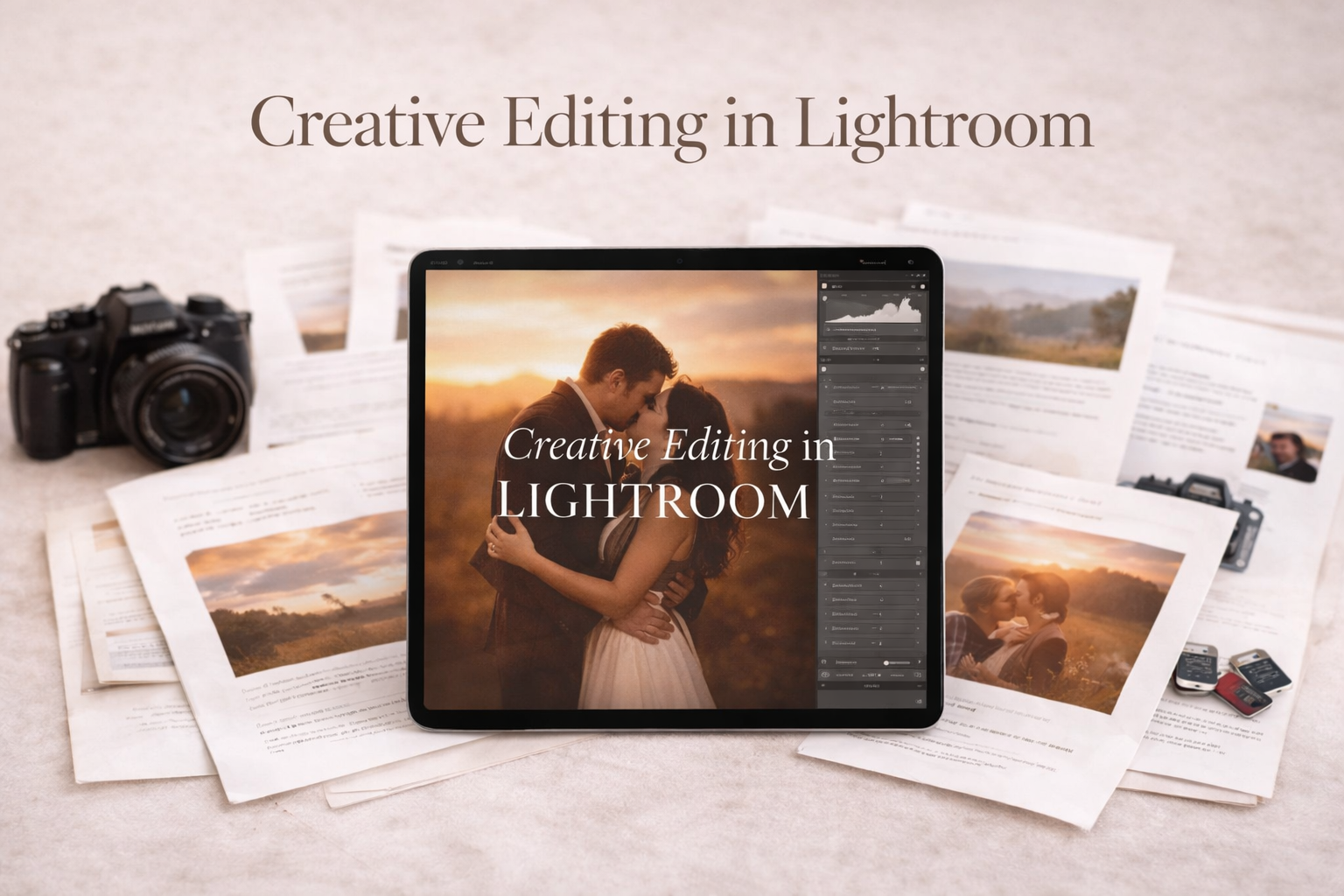
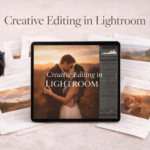
Jackie Jean’s Creative Editing in Lightroom Course
Lightroom isn’t just for basic adjustments. This is where you learn what it can really do.
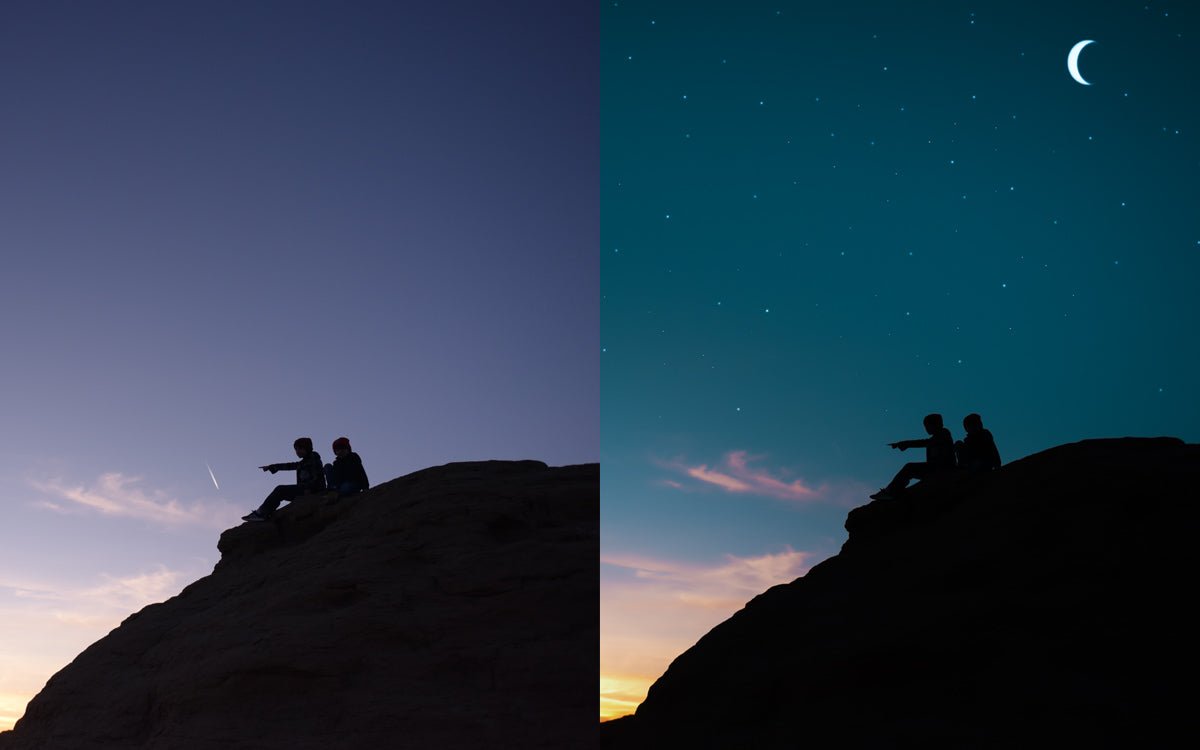
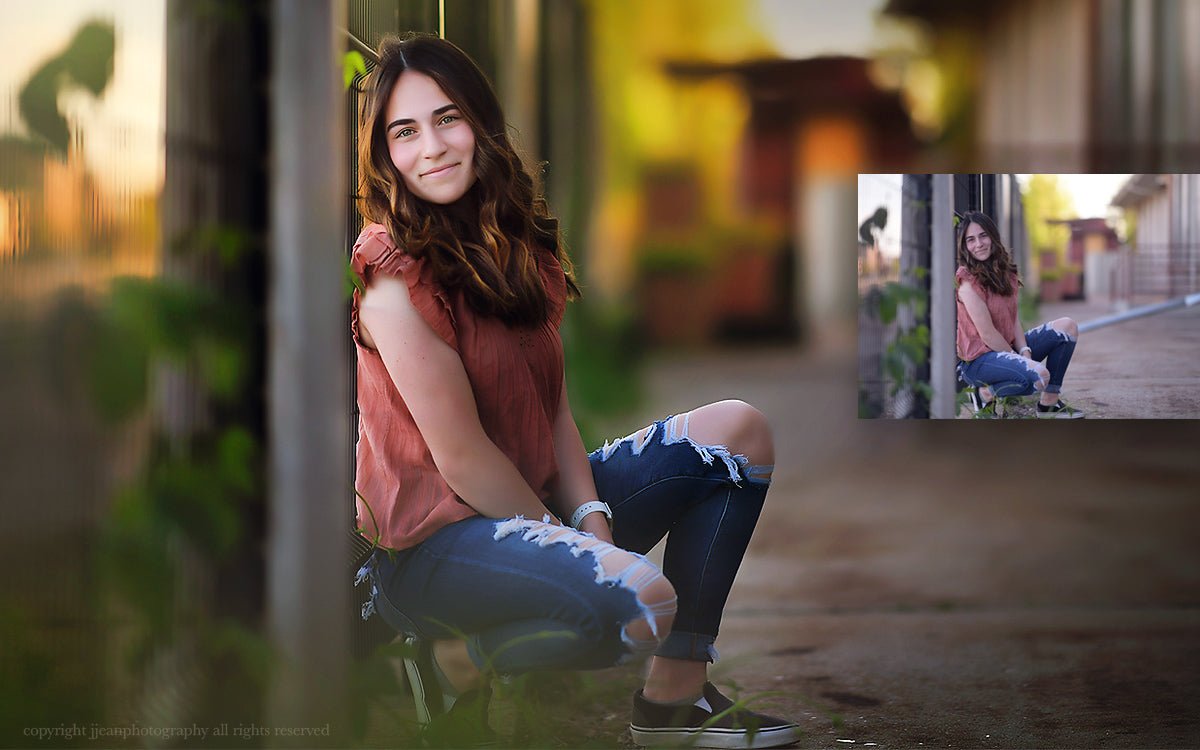
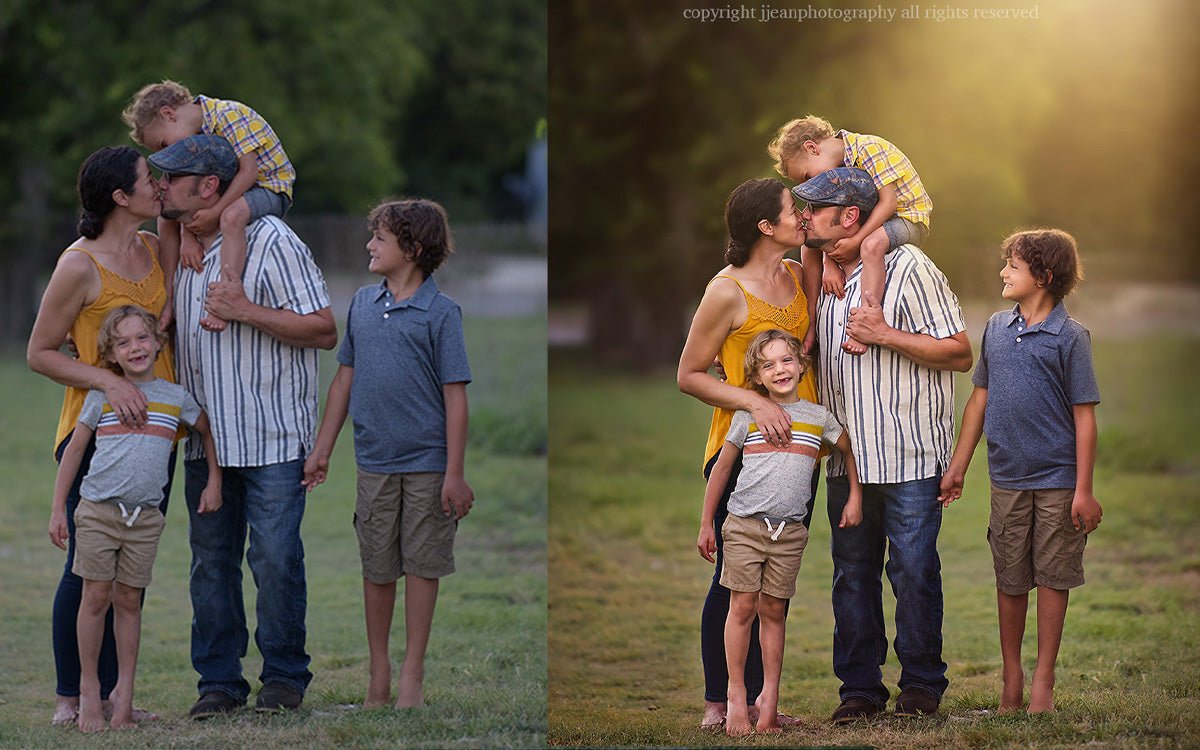
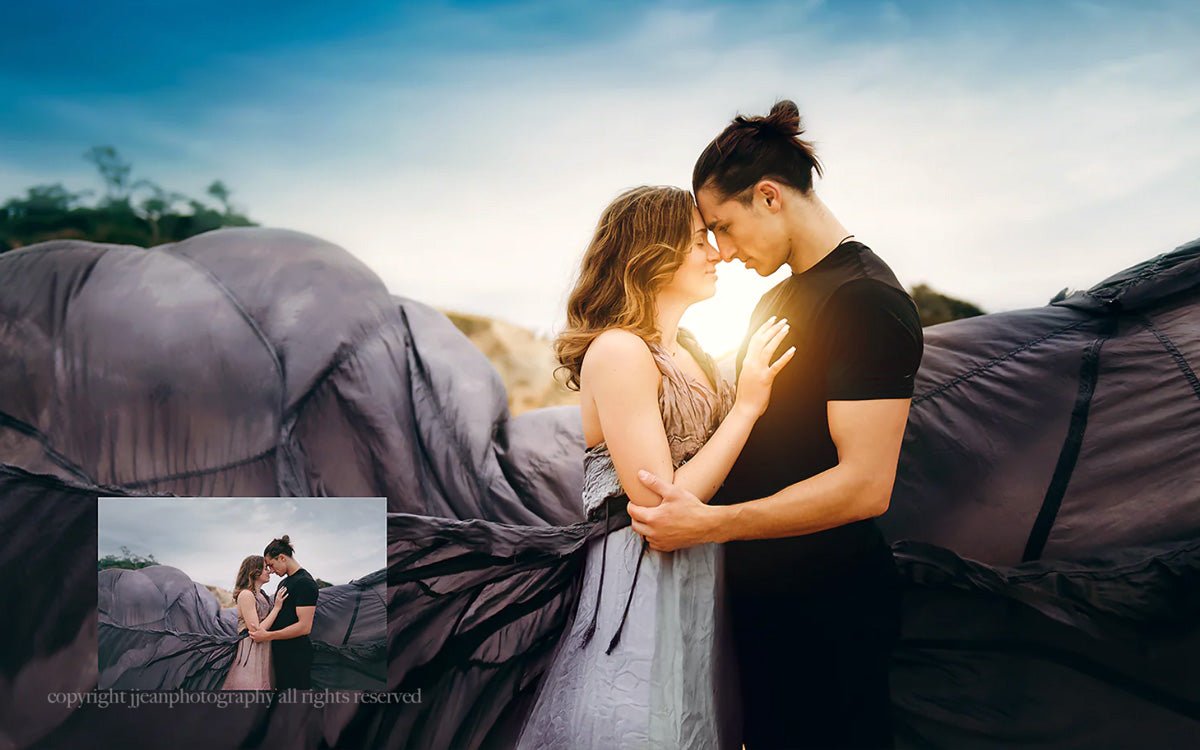
Most photographers use Lightroom for the basics — exposure, color, done. Jackie Jean’s Creative Editing in Lightroom Course goes further. This is a creative Lightroom editing course built specifically for photographers who already know the basics and are ready to develop a bold, expressive editing style that makes their work impossible to scroll past.
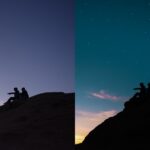
Through step-by-step tutorials taught by a working portrait photographer, you’ll learn how to add mood, light, and personality to your images using creative Lightroom editing techniques that go far beyond sliders — lens flare effects, bold color edits, dramatic black and white conversions, and vintage-inspired tones that give your work a signature look all its own.
What’s Inside Jackie Jean’s Creative Editing in Lightroom Course
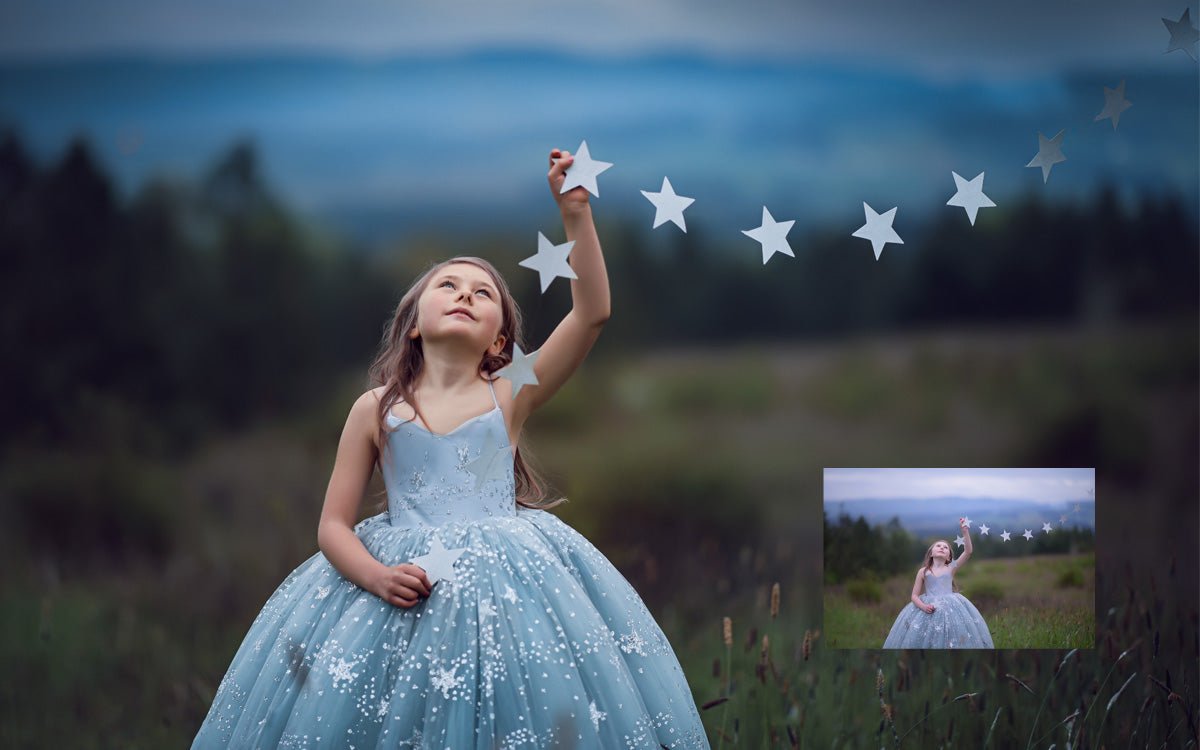
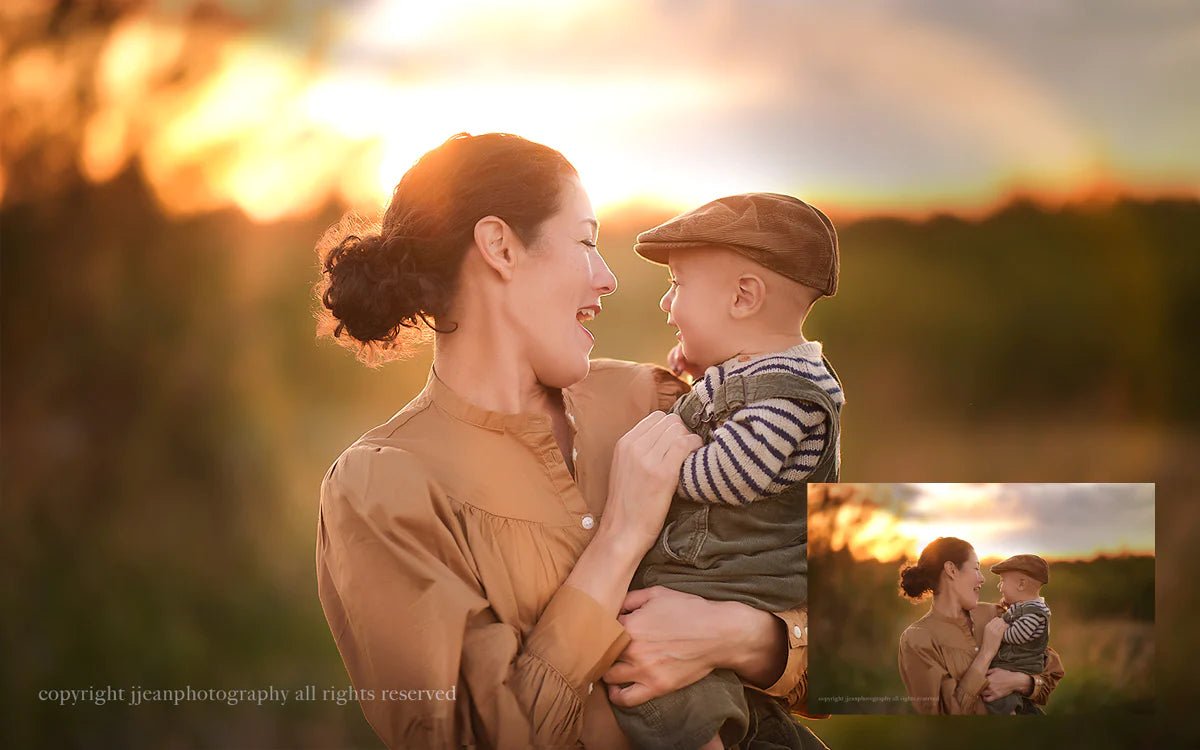
- ✨ Lens Flare Effects in Lightroom — Add natural-looking light flares that enhance atmosphere and mood without looking overdone
- ✨ Creative Light Effects — Learn how to use light creatively to add depth, warmth, and dimension to your portraits
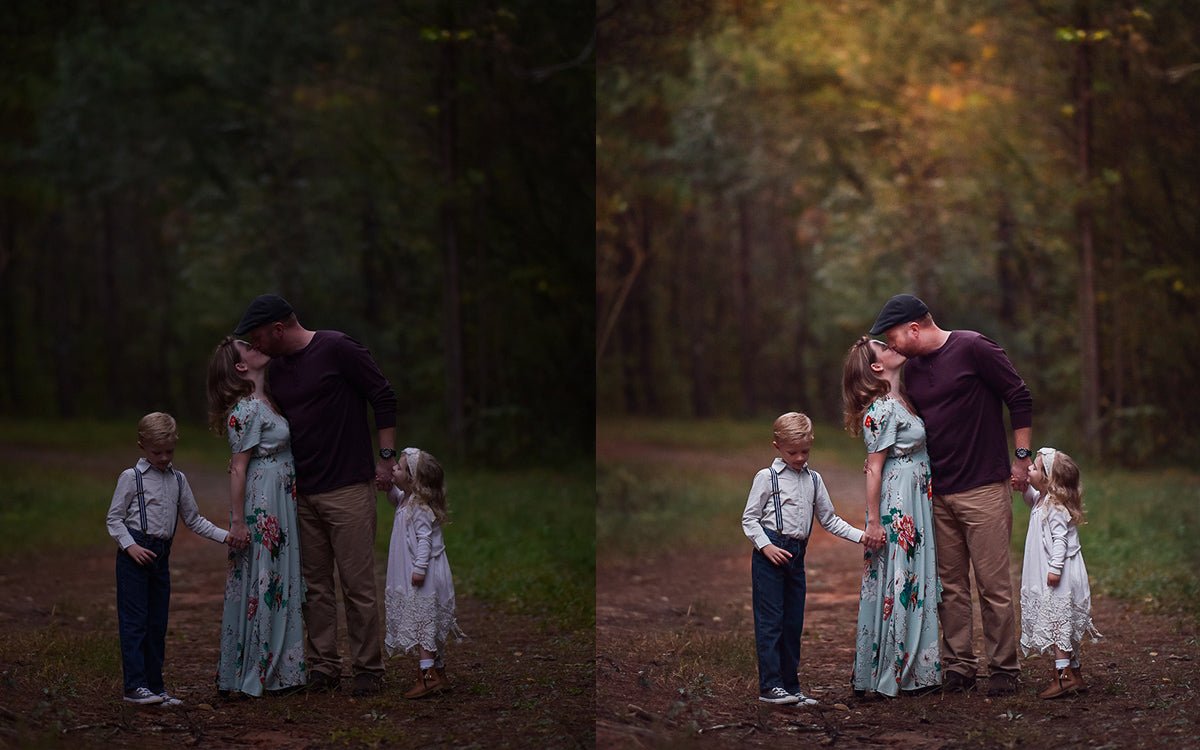
- ✨ Bold Vibrant Color Editing — Develop rich, expressive color tones that make your images stand out and stay consistent across every gallery
- ✨ Dramatic Black & White Conversions — Create deep, timeless monochrome edits with real contrast and character
- ✨ Vintage-Inspired Tones & Styles — Build a signature look with film-inspired tones, matte finishes, and creative color grading
By the End of This Course You’ll Be Able To
- Edit portraits with a bold, consistent creative style that clients recognize and request
- Use Lightroom as a creative tool — not just a correction tool
- Add light effects, mood, and atmosphere that take images from good to unforgettable
- Develop your own signature editing style faster than you thought possible
Why Photographers Call This Course Game-Changing
✨ Taught by a working portrait photographer — not a software instructor ✨ Goes beyond the basics — built for photographers ready to get creative ✨ Step-by-step and easy to follow at any skill level ✨ Learn at your own pace with lifetime access ✨ Compatible with Adobe Lightroom Classic (Creative Cloud desktop) ✨ Pairs perfectly with the Signature Lightroom Presets Collection
Perfect for: creative Lightroom editing course · Lightroom editing techniques for photographers · creative photo editing in Lightroom · lens flare effects Lightroom · bold color editing Lightroom · Lightroom course for portrait photographers · creative Lightroom tutorials · vintage Lightroom editing · black and white Lightroom editing







Jacqueline F. –
WOW! So happy with this purchase!! Worth every penny!
WOW. To say that I am thrilled with my purchase of the Create Workshop would be an absolute understatement. I haven’t even made it through all of the videos yet and I already feel like my money was very well invested in Jackie. The videos are easy to follow and I’ve learned a great deal more about Photoshop, editing and actions. At first, I’ll be honest, I “hemmed and hawed” over the idea of spending $297 on the workshop for fear that the mat
Audrey Colmart –
PHOTOSHOP BASICS
I doubted so much of the need of it (I thought I was above it) BUT I learned and re-learned with it – IT’S CRAZY! It’s unbelievable! I RECOMMEND it, not a question about it! You absolutely can’t go wrong!
A MUST if you want to extend your knowledge further! You are NEVER below it! !
Plus, I was afraid of it, but the customer service is so INCREDIBLE – even after purchase (I never encounter such an AMAZING team, I cannot praise them enough).
Another plus, if this AMAZING TE
Jody Fairchild –
Ahhhhh- mazing workshop!!!
I have been an elements user for many years and decided to give Photoshop CC a try but was super nervous about chnages–I started off with Jackie’s Photoshop basics and absolutely LOVED it–so helpful! then i decided to try the Create Workshop and I am so glad I did–so much info–I keep a small notebook for notes and use different colored pens to take notes–when i go back and look for info its easier to find- I ( like so many other reviewers) have gone back and reedi
Melissa Minton –
Create workshop is rockin my world!!!
I would give this workshop 20 stars if I could and I am only through 1/4 of the videos! I started with intermediate photoshop knowledge but have not felt the confidence to get creative and find my style. I felt like I was just making a mess out of my pictures. I have most of Jackie jeans presets and love them but still felt like I wasn’t using them correctly. This workshop has answered all of my questions and finally made me feel like the money I spent on ph
Mallori N. –
bought photoshop and had no clue how to use it but now I am creating magic
I am not a professional photographer but I love taking photos. I bought photoshop on a friends recommendation. Of course didn’t get an instruction manual so I had no idea how to use it. I was becoming frustrated and disappointed with my edits and when they changed the look of photoshop I didn’t even know how to do the little things I had figured out. One day surfing Facebook I happened to see Jackie Jean on a passing add
Billy R. –
Great Workshop!
I decided to purchase this workshop to further my understanding of how to really ‘create’ images rather than just doing the usual editing. I was not let down. Jackie walked through several components of creating portraits that I have been wanting to learn and build on. She explains everything she does so you understand why she does and what it does to your image. She uses multiple different tools and techniques so you don’t get too dependent on one over the other. On a couple of
Madre W. –
Inspired
It felt like I discovered a goldmine, when I came across your FB page. I love your style and find your work inspirational. The best part however, was that you are willing to teach and share your knowledge.
I purchased the Create Workshop and within the first 5 minutes, I already learned something new. I have’nt even worked through all the videos yet and one can already see an improvement in my editing! I love it!
I would recommend this workshop to anyone. There is so much to learn
Cinnamon F. –
More in control
I have been struggling with hand edits for as long as I have been using PS. There are so many tools in PS and various ways to use each, it can be overwhelming! As a result, I have relied a lot on PS actions in my editing. I still see nothing wrong with using actions because they are an.awesome resource. However, after going through the 3 part Breakdown for Beginners tutorials, I now have the knowledge and confidence to.step out and try hand edits using the various tools. To put i
Sue K. –
Exposure Edit 1
The technical content of this video is excellent. At first, the verbose style was a little confusing, but then you feel like it’s more of a quot,one on onequot, with the artist and you, it’s exactly what is in the mind of the expert and it was very helpful and enlightening. In addition to the actual edit, there are countless tips and tricks that you can pick up, mostly because of the personal style of the recording. I would love to see more quot,small videosquot, dealing with key
Erin M. –
Mind-shattering simplicity
I was expecting to learn some pretty advanced techniques. I’m an intermediate skill level in photoshop and I only saw a few little tricks that I hadn’t seen before. But it’s the WAY she uses simple adjustments that makes them wildly effective. My mind was blown. I have tried to imitate her style with my own pics with limited success so far (she knows what needs to be done to a photo and her shots are very intentional and skilled) but I’m excited to keep playing around
Deanna G. –
Photoshop Bootcamp
Amazing! Worth every penny! Will definitely sign up for more of her courses! Jackie presents Intermediate PS skills via a series of webinars that you can actually follow along and see what and how to achieve her techniques!! As a visual learner this was huge for me! The shooting assignments were a great way to put into practice what you are taught. Jackie will give you feedback do you can tweak along the way – almost as if you’re in a classroom with her. I am amazed at how muc
Deanna G. –
Photoshop Bootcamp
Amazing! Worth every penny! Will definitely sign up for more of her courses! Jackie presents Intermediate PS skills via a series of webinars that you can actually follow along and see what and how to achieve her techniques!! As a visual learner this was huge for me! The shooting assignments were a great way to put into practice what you are taught. Jackie will give you feedback do you can tweak along the way – almost as if you’re in a classroom with her. I am amazed at how muc
Amber T. –
Game-Changing!
I purchased the Create Workshop a few weeks ago and watch the tutorials every chance I get! I have only started using photoshop 3 months ago and decided to dive in. This workshop is the best and the wealth of information you get is mind-blowing . Jackie doesn’t just show you a technique she explains why she does it which is essential to editing . I highly recommend this workshop for all skill levels.You get the information you need to take your work to the amazing level that we al
Amber T. –
Game-Changing!
I purchased the Create Workshop a few weeks ago and watch the tutorials every chance I get! I have only started using photoshop 3 months ago and decided to dive in. This workshop is the best and the wealth of information you get is mind-blowing . Jackie doesn’t just show you a technique she explains why she does it which is essential to editing . I highly recommend this workshop for all skill levels.You get the information you need to take your work to the amazing level that we al
June C. –
Excellent Bootcamp
I have learned so much. I can’t say enough awesome things about Jackie Jean’s courses. I got my first, “your photos are breath taking” two days ago. This would not be possible without this course. I knew nothing about Photoshop CC before this course. Jackie walks you step by step. In a little less than 4 months, I can create a vision and do it very fast. I urge everyone to take these courses. I am had no experience with Photoshop!!!!! And I am now doing it in less than 4 month
Victoria Benavides –
Camera Basics
I was desperate to learn the information that your Camera Basics pdf had to offer. As a beginner teaching myself and figuring it all out as I make each move can get extreamly frustrating and overwhelming. Haveing your Camera Basics at hand was a HUGE BLESSING! It’s clear and understandable, aftering studying through it once suddenly everything I was so confused about made perfect sense. Thank you for being awesome and making this pdf for people like me and last and most importantly
LHazle –
great content
I’ve watched several training modules from Jackie Jean and I’ve learned a lot. I’m still not proficient with PS, like I want to be. But I’m getting there. I can watch over and over, go back and review. Info is grouped in chapters according to subject, so you can find what you need easily. Jackie’s content is clear to understand and not polluted with non relevant stories that waste time. She gets right to making her point. She has plenty of HIGS that are very helpful. Lots o
Amber Robinson –
Helpful
I purchased the videos simply just to learn and see a style of editing in the first video she goes over some simple PS tools and it’s not rush rush she is slow pace and describes everything quite well, the following videos show how to edit in such style going over techniques and showing different way to do everything in th video, I loved the pace wasent to fast but wasn’t to slow! I do wish I had access to the videos longer that is the only thing I would change or have them where they we
Jess K. –
Loved it!
I absolutely loved this bootcamp. Jackie talks in real language that you can understand – if you know the basics of photoshop, you can follow along with this class easily. I learned a lot of new things and feel it has really changed the way I look at editing! I especially loved the portfolio review that came with the active seat, it was awesome to have a photographer I so admire critiquing my work and giving me valuable feedback. My only wish was that it was longer – the classes were s
June C. –
Start with this course
I started my journey with this course. Wow, it was a scary eye opener when I started with this course. I began changing my photos and found what I liked through this course. By the end of this course, I knew I could do it and just needed practice. PS is so scary but with Jackie Jeans courses, I became so confident. Jackie is awesome as well. I have emailed her many times about things I was confused about and she has replied and in a timely manner. It is the best of all wor
Kristen Whitemore –
Money Well Spent
I try to invest in workshops/learning every year. As a former teacher, I believe education is extremely important. You can never stop learning. That being said, I have sadly wasted a lot of money on education with workshops that did not deliver. I’ve taken other workshops with “big name” photographers that left me frustrated and deflated. Not this one! Jackie is so giving with her information and knowledge. She goes through each step of the process. I have to say this is one of
Kim Willett –
So easy to follow!
I’ve bought several of Jackie Jean’s tutorials now and have all of them very easy to follow. The skills learnt in luscious light have allowed me to really up the WOW factor on my photos and really make the most of the natural light captured in camera. I find it useful to have my own image open in photoshop as I watch the tutorial, I can then pause the video to practice each skill in real time. I’ve really learnt so much and my confidence with photoshop has really improved.
Lisa B. –
I absolutely love every single
I absolutely love every single product Jackie has . I love her teaching style , so patient and she really makes sure you understand what she is doing each step of the way . I would highly recommend her to not only new photographers . But to us who have been in the business while now . We never stop learning . Thanks Jackie for making these awesome edit tutorials so we can learn different ways to create our own Art . Thanks so much , Lisa Blevins Photography
Margarita Kirova –
Best and most informative class
The amount of skills I gained by watching this workshop is immeasurable. Very concise but packed with useful information. Get ready to take A LOT of notes (at least that’s what I did). I would recommend it without any hesitation to anyone who want’s to not only learn the basics but also to polish their Photoshop skills or who wants to learn how to apply this software in photo editing. I loved it and can’t wait to start with the Bootcamp Workshop 🙂
Priyanka Dixit –
Absolutely love this workshop!!!
I am at intermediate level in Photoshop.
The Create Workshop is absolutely amazing & I am very happy that I bought it. I have significantly reduced my time spent on many things. I would highly recommend this workshop to anyone looking for improvement in their editing skills. These videos helped me adding some creativity in my editing.
Thanks for all the great tips and simple explanation of the process.
It really is worth buying!!!