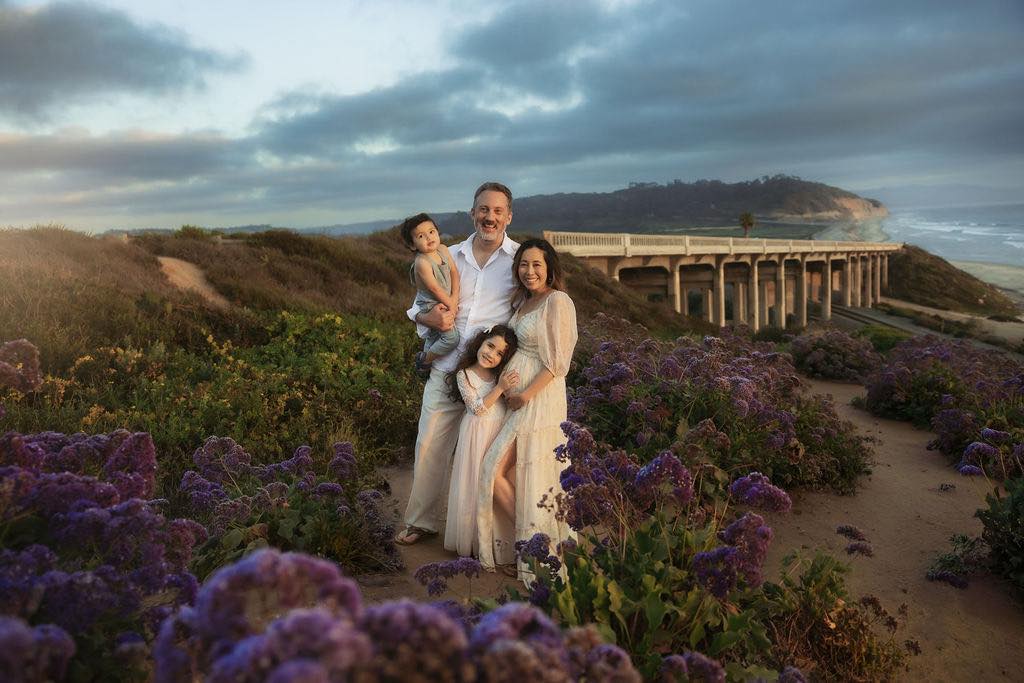
1. Open Photo in Adobe Photoshop and in menu, go to Image -> Image Size

2. Change the Resolution to 72 DPI and width to 1200. (You can adjust the size to your liking)

3. Next go to Filter -> Sharpen -> Unsharp Mask

4. Unsharp Settings – Amount 200% / Radius 0.2 / Threshold 2

5. Select File -> Export As (or Save for Web) -> Select PNG File


Now you’re photo is resized, sharpened, and ready to post!