
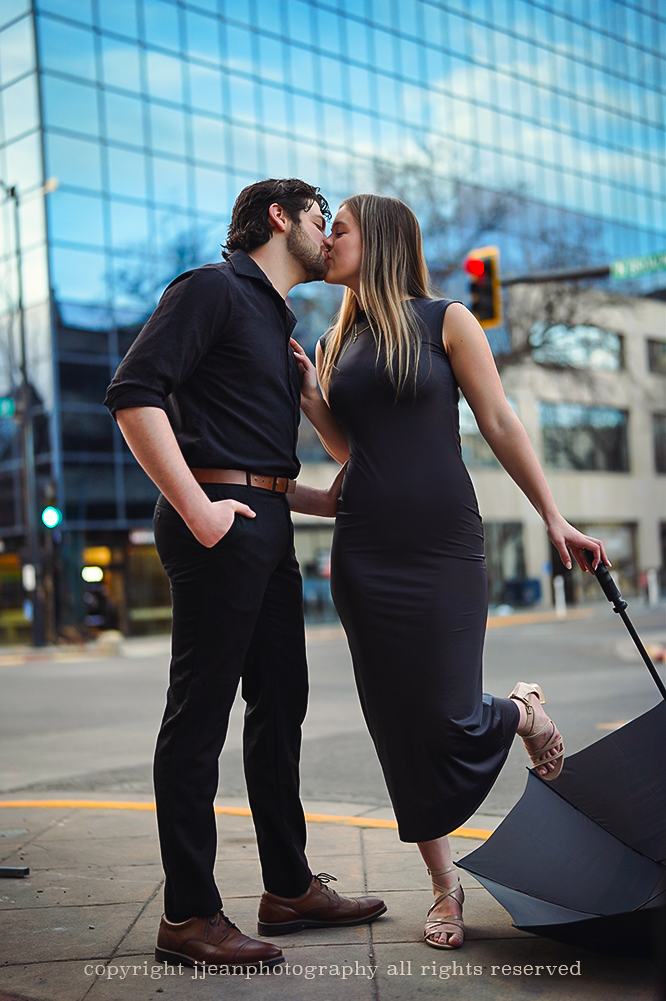
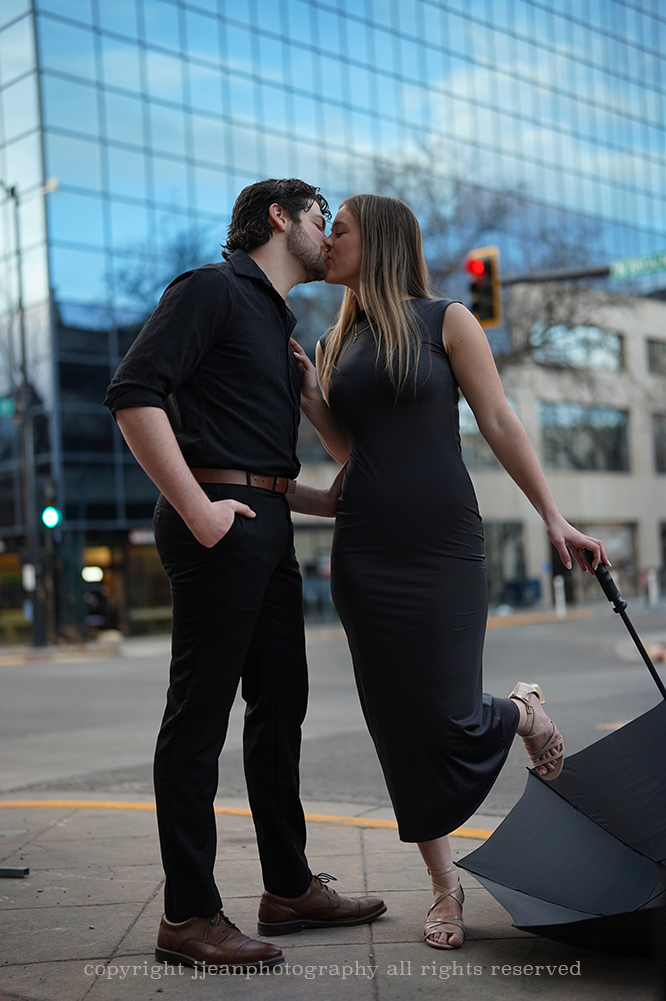
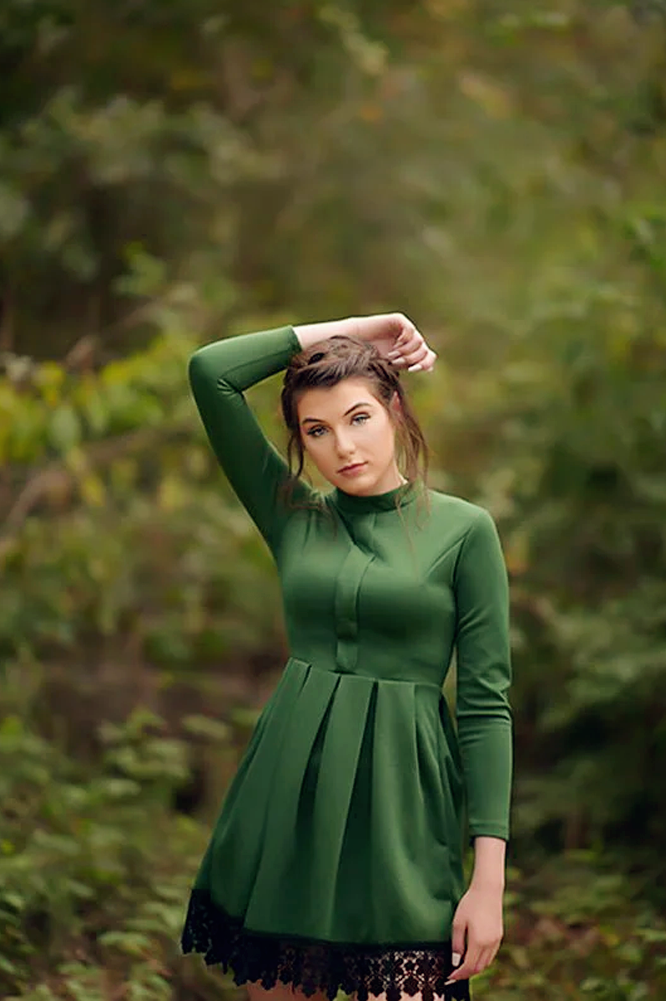
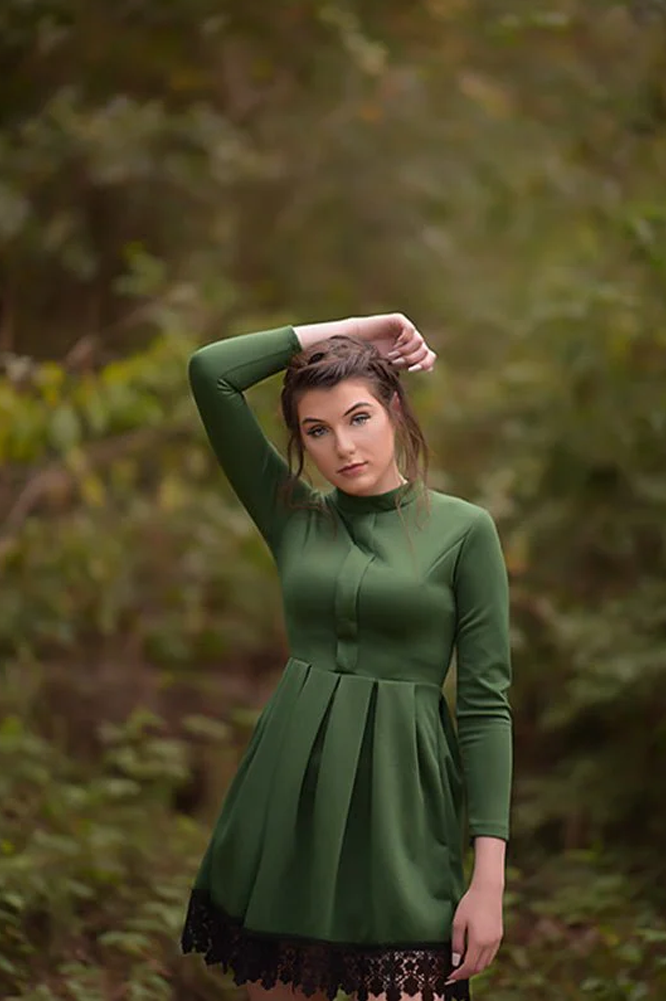
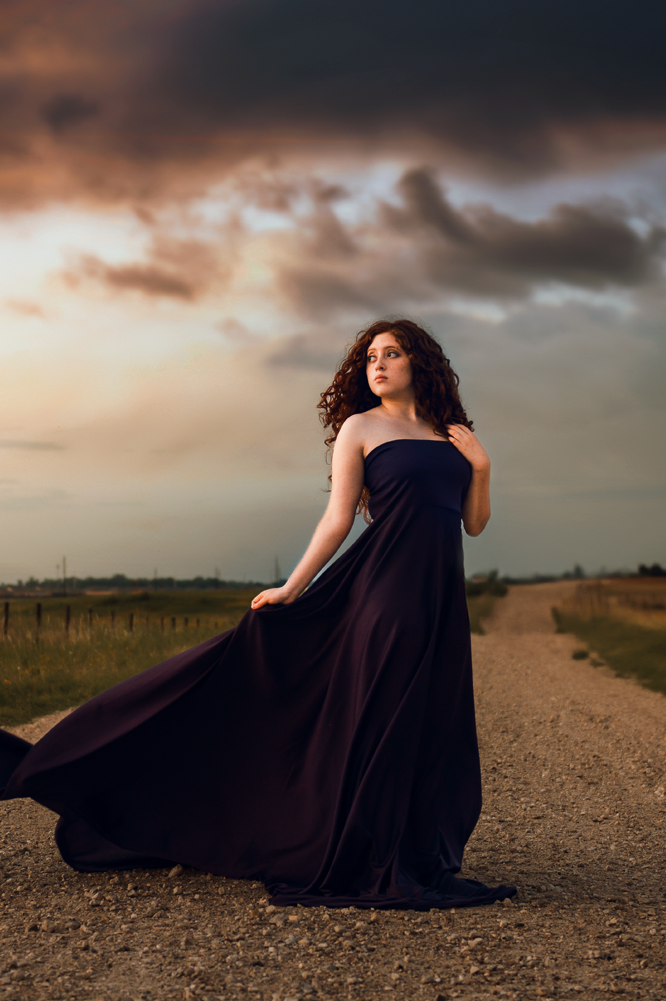
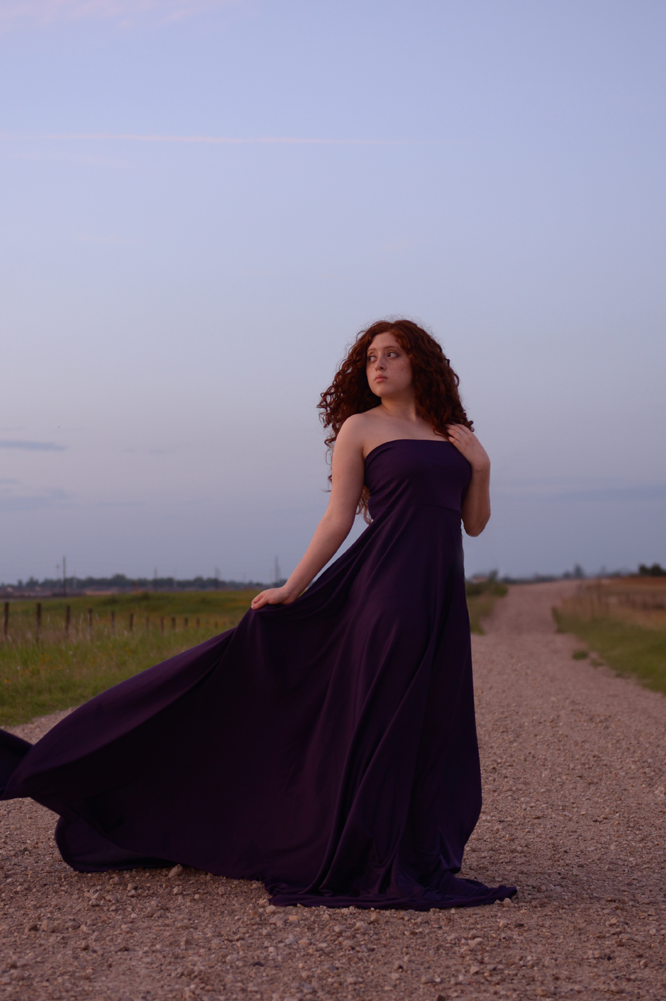
If You've Ever Spent Hours Editing and Still Weren't Happy With the Result
You’re not editing wrong. You’re editing without a foundation. Whether you want the shortcut or you want to learn the craft from the ground up, there’s a path here that gets you to images you’re actually proud of.
Pick Your Path
Two ways to elevate your work. Pick the one that fits where you are.
For Lightroom Users
The Lightroom Essentials
Lightroom Preset Bundle
Foundational presets for portrait sessions.
- 12 signature color presets
- 5 black and white presets
- Install instructions
- Limited time bonus: AI Helper Brushes
- Compatible with Lightroom CC Classic Desktop
$35
Get The Essentials →
Want to Learn Photoshop
Photoshop Basics: Breakdown for Beginners
Self-Paced Photoshop Course
Take the confusion out of Photoshop. A clear, step-by-step workshop for photographers ready to master the basics.
- Photoshop fundamentals course
- Self-paced video tutorials
- Real-world editing techniques you can follow along
- Works with Photoshop CS6 and Creative Cloud
- Limited time bonus: Signature Starter Actions + Sky Overlays
$45
Start the Course →
Already Past the Basics?
Ready for Something More Advanced?
If you've outgrown the starter tools, these are the collections I reach for on every session.
Signature Lightroom Presets
The complete portrait preset collection. Every signature look, organized by light and tone.
See the collection →
Signature Photoshop Actions
Color, black and white, sunbursts, light rays, and seasonal actions for finishing work.
See the collection →
Creative Editing Course
The deep dive. Go beyond the basics with my full creative editing workflow in Photoshop.
See the course →